 LotsSocial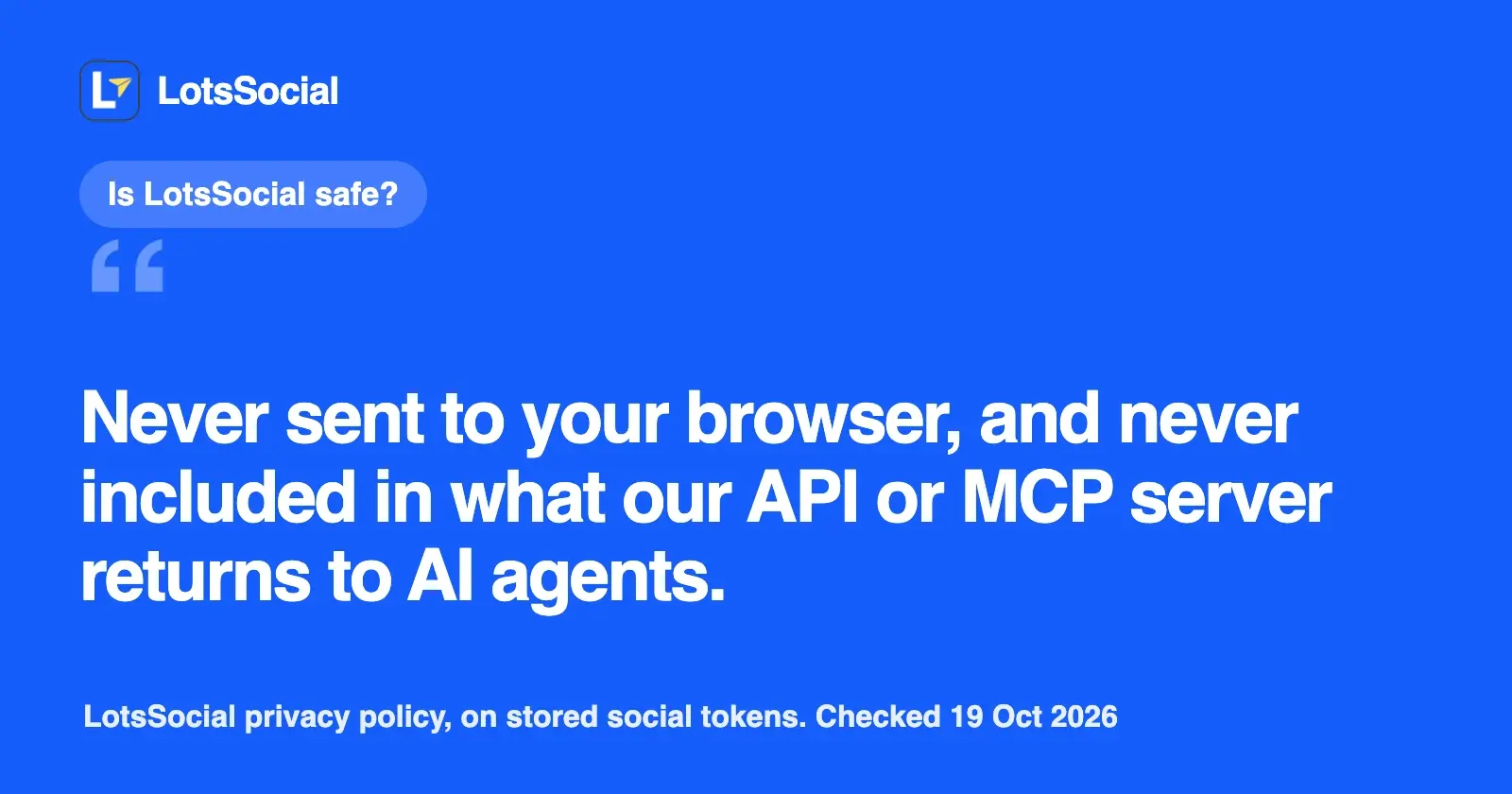
LotsSocial signs your AI agent in with OAuth, so no key or password goes into the chat, and the agent can do only what your workspace role allows. You connect each social account on the network's own consent screen. Your social tokens are encrypted with AES-256-GCM, never returned to AI agents, and deleted when you disconnect.
This page covers how your agent signs in, what each network's consent screen asks for, how account access is stored, what each team role can do, and what your agent does only when you tell it to. It comes from LotsSocial's privacy policy, terms, API docs and product code, which I read on 19 October 2026.
How your agent signs in
MCP: OAuth in your browser. You add https://api.lots.social/mcp to ChatGPT, Claude, Claude Code, Cursor or another MCP client. Your client opens a LotsTech sign-in page, where you sign in with Google or a one-time code sent to your email. Then you see a screen that says "Allow [app]?", shows the email you're signed in with, and lists what the app will be able to do: "Use this application's tools on your behalf". It also shows the address you'll return to after approval, and if the app registered itself, it says LotsTech hasn't verified it and to continue only if you started the connection. You press Allow or Deny.
The flow uses PKCE with S256 (you can see it in the server's public metadata at https://api.lots.social/.well-known/oauth-authorization-server). The access token your agent gets lasts one hour. It renews with a refresh token that lasts 30 days and is replaced each time it's used, so a connected agent stays signed in while you use it and drops off when you stop.
REST: an API key. For scripts and agents without OAuth, you create a key at lotstech.com/api ("Manage API keys") or api.lots.social/dashboard. It's shown once, goes in an Authorization: Bearer or X-API-Key header, and is limited to 100 requests a minute. LotsSocial stores a hash of the key, not the key. You can revoke a key from the same page.
Your agent never sees your social passwords. LotsSocial's skill file tells every agent never to ask you to paste a password or API key into the chat.
How your social accounts connect
Your agent asks LotsSocial for a connect link and gives it to you. You open it in your own browser and approve each network on that network's page. The agent is told never to open the link itself, because it signs in to your social account.
- The link lasts one hour and can connect several accounts in one visit. LotsSocial stores only a hash of the link's token.
- Only owners, admins and managers can create a connect link.
- A reconnect link renews the same account in place, keeping its ID, brand, post history and scheduled posts. It's pinned to that account's network, workspace and brand.
- Client links for agencies let a client connect their own accounts without a LotsSocial login. Each has a label (the client's name), usually a brand, and expires in 1 to 7 days. The URL is shown once. You can list them and revoke any of them; accounts already connected through a revoked link stay connected.
The step-by-step version, with the agent prompts, is in How to Connect Your Social Accounts to Your AI Agent.
What each network's consent screen asks for
The network shows its own consent screen, in its own words, listing what LotsSocial is asking for. The privacy policy says LotsSocial receives only what the permissions you approve there allow. Here is what LotsSocial requests on each network:
| Network | What you approve |
|---|---|
| X | Read and write posts, read your profile, upload media, and stay connected (offline access) |
| LinkedIn profile | Sign in with LinkedIn (name, photo, email) and post on your behalf |
| LinkedIn Page | Post as the Page; you approve as an admin of that Page |
| See your Pages, publish to them, read their engagement and insights, and business management (for Pages in a business portfolio) | |
| Instagram (through a Facebook Page) | The same Meta screen, plus your Instagram profile, publishing and insights |
| Instagram (Instagram Login) | Your professional account's profile, publishing and insights |
| Threads | Your basic profile, publishing and insights |
| YouTube | Upload videos, see your channel, and read YouTube Analytics |
| Google Business | Manage your business locations, where you pick the locations to add |
| Read your account, and read and write boards and Pins | |
| TikTok | Your account ID, display name and profile picture; your username, profile link and follower, following, like and video counts when you grant them; and permission to upload and publish videos |
| Your username, user ID, profile picture and follower count, plus the post flairs of a subreddit you choose to post in | |
| Mastodon | Read and write access on the server you name |
| Bluesky | No OAuth screen: you enter your handle and an app password you create in Bluesky's settings, never your account password |
Some networks are connected through a connection provider that holds the access you grant for those accounts; the privacy policy lists this under its service providers. When you disconnect such an account, LotsSocial releases it at the provider, which removes the tokens it kept.
How your account access is stored
This is the privacy policy's own description (section 7, Data Security, last updated 17 October 2026):
- Social access tokens, refresh tokens and Bluesky app passwords are encrypted by LotsSocial's application with AES-256-GCM before they are stored, using a key kept outside the database.
- The database provider (Supabase) also encrypts the whole database at rest with AES-256.
- Only LotsSocial's servers can decrypt them, and only to publish and read results for the accounts you connect.
- They're never sent to your browser and never included in what the API or MCP server returns to AI agents. Your agent works with account IDs, not tokens.
- Disconnecting an account deletes its stored credentials, and you can also revoke LotsSocial's access in the network's own settings.
The policy also says data from connected networks is used only to show you your accounts, publish what you or your agent ask for, and report results back, and that LotsSocial never sells it and never uses it to train AI models. Data is encrypted in transit and at rest.
TikTok insights and comments read through the TikTok API for Business are shown only while you have that screen open and are never written to the database or a cache.
What each role can do
LotsSocial checks your role in the post's or account's own workspace on every action, for the dashboard and the agent alike. Your agent acts as you, so it has your role and nothing more.
| Role | Posts | Accounts | Team |
|---|---|---|---|
| Owner | Create, edit, schedule, publish now, delete drafts and scheduled posts | Connect links, disconnect | Invite, change roles, remove; billing; delete the workspace (in the app) |
| Admin | Same as owner | Connect links, disconnect | Invite and remove members; rename the workspace |
| Manager | Create, edit, schedule, publish now | Connect links, group accounts into brands | Read the member list |
| Creator | Write and edit drafts | Read | Read the member list |
| Viewer | Read only | Read | Read the member list |
A few rules sit on top of that:
- Nobody can be made owner, and the owner's role can't be changed or removed. Only the owner changes roles.
- Creators can delete only their own drafts, and see only their own posts unless they're a manager or above.
- Members of someone else's workspace don't see the owner's credit balance; they see only whether another account can be added, because the owner pays.
- Leaving or being removed cuts access at once; that person's posts and media stay in the workspace.
What your agent does only when you tell it to
| Action | What has to happen first |
|---|---|
| Publish right away | You ask for it. The agent confirms the exact text, media and accounts with you, because a published post can't be pulled back from LotsSocial. Only owners, admins and managers can, and every network rule runs first |
| Schedule a post | You ask it to schedule. Without that, the agent saves a draft, and drafts never publish on their own |
| Disconnect an account | You ask to remove that account. It's refused while the account is in a scheduled post, and its LotsSocial post history and analytics go with it; posts already on the network stay live |
| Invite a teammate | The agent confirms the email address and role with you. Owners and admins only, and never as owner |
| Remove a member or leave a workspace | The agent confirms with you first |
| Delete a draft or scheduled post | You ask for it, and your role allows it |
| Add credits | The agent gives you a checkout link; you pay yourself |
TikTok accounts on LotsSocial's own TikTok app have one more step: the agent can't schedule or publish to them. It sends the video to your TikTok inbox as a draft, or saves a draft you approve in LotsSocial.
What your agent can't do at all
- Delete a published post. LotsSocial refuses and returns each network's live link, so you delete it there while signed in.
- See your tokens or passwords. The API and MCP server never return them.
- Go beyond your role. A creator's agent can't schedule; a viewer's agent can only read.
- Connect an account by itself. Every connection needs you on the network's page.
How to give your agent less access than you have
Because the agent acts as whoever signed in, the way to narrow it is to sign it in as a narrower account:
- Invite an address you control to your workspace (ask your agent, or use the dashboard).
- Give it Creator if the agent should only write drafts for you to schedule, or Viewer for read-only reporting.
- Connect your agent to LotsSocial with that account instead of yours.
Team members are unlimited, so the extra account costs nothing.
How to cut off access
- An AI app: open Connected apps (linked from LotsSocial's settings). It lists every AI app that can use your account, which LotsTech products it reaches and when it was last used. Disconnect it from LotsSocial or from every product; its tokens are revoked and it has to ask for your approval again.
- An API key: revoke it under Manage API keys at lotstech.com/api.
- A social account: disconnect it in Accounts or ask your agent. LotsSocial deletes its stored tokens, profile details, follower counts and publishing history at once. You can also revoke LotsSocial in the network's own settings; the tokens stop working straight away.
- A client connect link: revoke it in Accounts or with your agent.
- Your whole account: deleted or anonymized within 30 days of deleting it, except where the law or a legitimate business purpose requires keeping it. Email privacy@lotstech.com for access, correction or deletion requests.
Connect it from your agent
Give your agent this and let it set itself up:
Read https://lots.social/skill.md and help me connect LotsSocial for you.
LotsSocial costs $2 per connected account a month from credits, or plans from $20 a month for 12 accounts, with unlimited posts, brands, workspaces and team members. New accounts get 5,000 free credits, valid 90 days, no card. See pricing and the setup guide for your agent. To see how other social tools handle agent sign-in and account connection, read Social Media MCP Servers Compared Tool by Tool.
Common questions
Is LotsSocial safe to connect to ChatGPT or Claude?
LotsSocial signs your agent in with OAuth, so you don't paste a key or password into the chat. The agent gets a one-hour access token and has only the permissions of your workspace role. It can't see your social tokens, connect an account without you, or delete a published post.
Does LotsSocial see my social media passwords?
No. You approve access on each network's own sign-in page, and LotsSocial receives tokens, not your password. Bluesky is the one network without an OAuth screen: you enter an app password you create in Bluesky's settings, never your account password.
How does LotsSocial store my social account tokens?
According to the privacy policy, access tokens, refresh tokens and app passwords are encrypted by LotsSocial with AES-256-GCM before storage, using a key kept outside the database, and the database is also encrypted at rest with AES-256. They're never sent to your browser or returned to AI agents, and disconnecting an account deletes them.
Can my AI agent publish without asking me?
Not on its own. Drafts never publish. The agent schedules when you ask it to schedule, and it publishes right away only when you ask and after it confirms the text, media and accounts with you. Only owners, admins and managers can publish, and every network rule is checked first.
Can my agent delete my posts?
It can delete drafts and scheduled posts when you ask and your role allows it; a creator can delete only their own drafts. It can't delete a published post: LotsSocial returns the live link so you delete it on the network yourself.
How do I remove LotsSocial's access?
Disconnect an AI app in Connected apps at lotstech.com, revoke an API key under Manage API keys, and disconnect a social account in Accounts or through your agent, which deletes its tokens at once. You can also revoke LotsSocial in each network's own settings.
Details from LotsSocial's privacy policy (last updated 17 October 2026), terms of service, skill.md, the API docs and product code, read on 19 October 2026. Features and permissions can change; check those pages for the latest.