 LotsSocial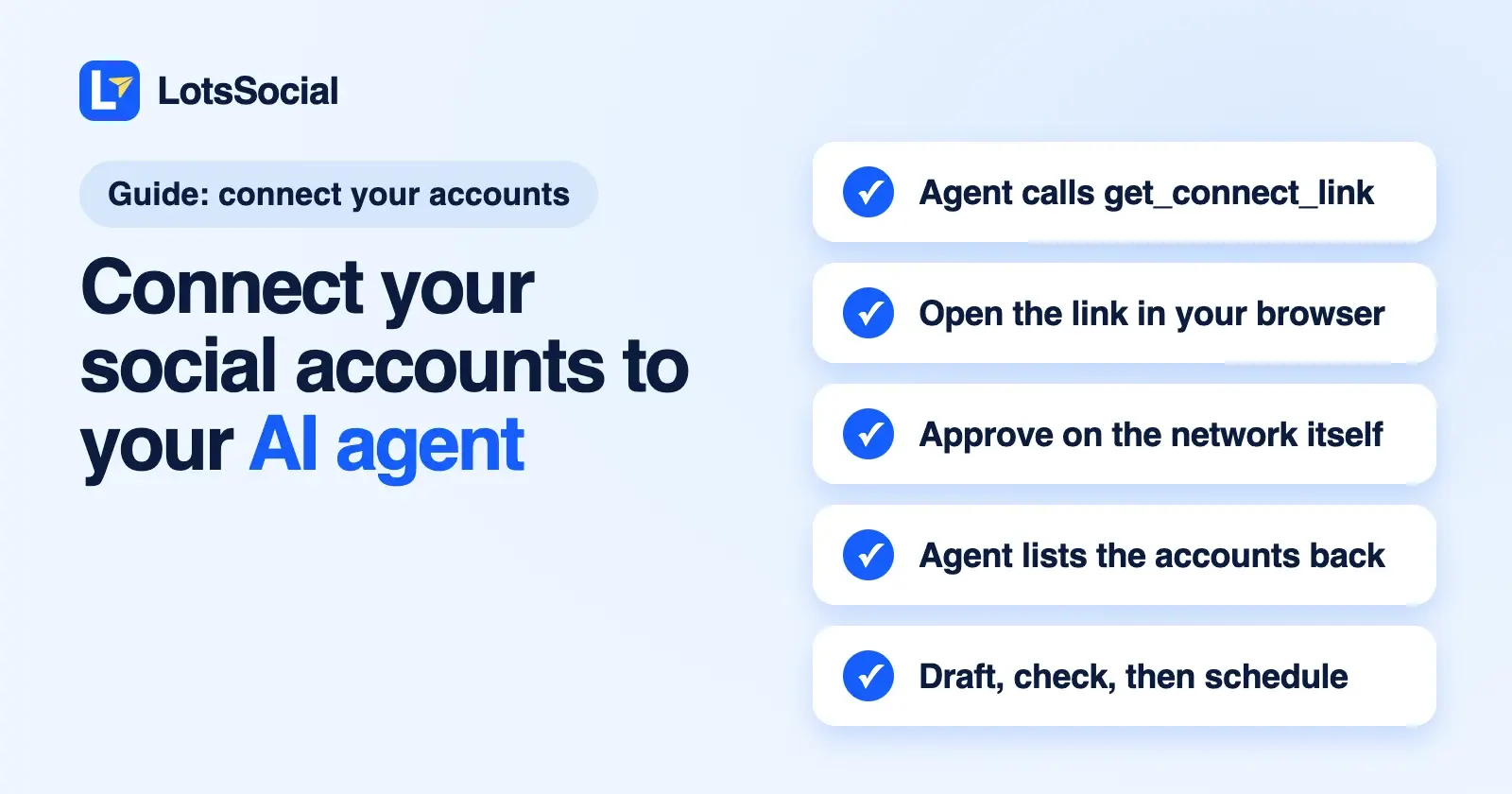
To connect your social accounts to your AI agent, connect the agent to LotsSocial once, then ask it for a connect link. The agent calls get_connect_link and gives you a link that works for one hour; you open it in your browser, pick a network and approve access on that network's own sign-in page. Your agent then lists the account back to confirm it, and from that moment it can draft, check and schedule posts for it.
You never type a social password into the chat. The agent gets permission to post through LotsSocial, not your login.
Below is the whole flow as it works today, with the real output from my own workspace (link and IDs redacted), the per-network details that trip people up, and what to do when a client needs to connect their accounts or a connection expires.
What you need
- An AI agent that supports remote MCP servers or authenticated HTTP requests: ChatGPT, Claude, Claude Code, Codex, Cursor, Gemini CLI, Grok, Muse, OpenClaw and others. Setup per agent is at lots.social/agents.
- A LotsSocial account. You can create it during the first sign-in. New accounts get 5,000 free credits, valid 90 days, no card.
- The social accounts you want to post to, and the right role on them (for example admin on a LinkedIn Page).
Step 1: Connect your agent to LotsSocial
This happens once per agent. Point your agent at https://api.lots.social/mcp, or give it https://lots.social/skill.md and ask it to set LotsSocial up for itself. Agents that support it sign in with OAuth in the browser, so there's no key to paste. REST integrations use an API key, which you store as a secret, never in the chat.
If you use Claude Code, my Claude Code guide shows every screen. For ChatGPT, see how to schedule LinkedIn posts with ChatGPT.
Step 2: Ask your agent for a connect link
Say something like:
List my connected social accounts on LotsSocial. If my LinkedIn Page isn't there, give me a link to connect it.
The agent calls list_connected_accounts, sees the account is missing, and calls get_connect_link. Here's what that tool returned when I ran it through the LotsSocial MCP on 12 October 2026 (token and balance removed):
{
  "success": true,
  "url": "https://lots.social/connect/[redacted]",
  "expires_at": "2026-10-12T13:26:07Z",
  "workspace": { "name": "LotsTech" },
  "platform": "any",
  "billing": {
    "allowed_now": true,
    "consent_required": false,
    "monthly_credits_per_account": 2000
  },
  "instructions": [
    "Give this link to the person and ask them to open it in a browser. Do not open it yourself: it signs in to their social account.",
    "It works for one hour and can connect several accounts. Ask for a new one after it expires.",
    "The next account is included in the current plan.",
    "When they are done, call list_connected_accounts to confirm the new account before posting to it."
  ]
}
A few things worth knowing about that link:
- It lasts one hour. If it expires, ask for a new one. Nothing breaks.
- One visit can connect several accounts. After each approval you land back on the same page and can add the next network.
- It covers all 12 networks unless the agent narrows it: LinkedIn (a personal profile or a company Page), Instagram, X, Facebook, Threads, Bluesky, Mastodon, TikTok, YouTube, Pinterest, Reddit and Google Business. Ask for "a link for my LinkedIn Page" and the agent passes
platform: linkedin_page. - It lands in the right place. The agent can pass a
workspace_id(if you run several businesses) and abrand_id, so the account is filed under the brand you're posting for. - The agent never opens it. The link signs you in to your social account, so it's yours to open.
- It shows the cost before you connect. The billing block tells the agent whether the next account is covered by your plan. If it isn't, the connect page shows what the account costs in credits before you approve anything.
Only workspace owners, admins and managers can create connect links, so a team member with a creator or viewer role can't attach accounts to your workspace.
Step 3: Approve on the network's own page
Open the link. You see a LotsSocial page with a button per network. Pick one, and you're sent to that network's own sign-in and consent screen: LinkedIn's, Meta's, Google's, TikTok's and so on. Approve there, and you come back to the connect page with a "Connected" message and the option to add another account.
That's the security model in one line: you sign in on the network, the network gives LotsSocial a token to post, and your agent only ever talks to LotsSocial.
Step 4: Let the agent confirm it
Ask the agent to check:
List my connected accounts again and confirm the new one is there.
list_connected_accounts returns each account's network, name, brand, connection status and two fields that matter for the next post: caption_limit and requires_media. Here are two X accounts from my own list, trimmed:
[
  { "platform": "twitter", "account_name": "LOTS Social", "status": "active",
    "caption_limit": 280, "requires_media": false },
  { "platform": "twitter", "account_name": "LotsTech", "status": "active",
    "caption_limit": 25000, "requires_media": false,
    "metadata": { "x_subscription_type": "Premium" } }
]
Same network, different limits: the free X account gets 280 characters and the Premium one gets 25,000. Your agent writes each caption to its account's limit. Instagram, TikTok, YouTube and Pinterest accounts come back with requires_media: true, so the agent knows a post needs an image or video.
For one account in more depth, the agent calls get_account_details. It returns the profile, connection health (active, expiring or needs reconnecting, with the last error) and the posting record. It also returns the follower count where the network shares one (subscribers on YouTube), with the change over 7 and 30 days. LotsSocial records the count once a day, so the first number appears within a day of connecting. LinkedIn personal profiles and Google Business Profiles don't share a count, and the tool says so instead of showing 0.
What each network asks for
The link is the same for every network. What happens on the network's side isn't. These come from the connection code, checked on 12 October 2026:
| Network | What you need | Worth knowing |
|---|---|---|
| LinkedIn profile | Your LinkedIn login | Posts as you. No follower count from LinkedIn for personal profiles |
| LinkedIn Page | An admin role on the Page | Pick "LinkedIn Page", not the profile. Without an admin role, LinkedIn returns no Pages to connect |
| A professional (business or creator) account | Two ways in: through the Facebook Page it's linked to, or with Instagram Login if there's no Page. The connect page offers both | |
| A Facebook Page you manage | Posts go to Pages. If you have none, create a Page first | |
| X | Your X login | Free accounts get 280 characters, Premium 25,000; LotsSocial reads which one you have |
| Threads | Your Threads login | 500-character posts |
| TikTok | Your TikTok login | New connections use TikTok's Business API, which works for regular creator accounts too and shares follower counts. Posts need a video or photos |
| YouTube | A Google account with a YouTube channel | If the Google account has no channel, the connection stops and tells you |
| Google Business | A Google account that manages a Business Profile | One Google sign-in covers every location you manage; you then pick which locations to connect |
| Mastodon | Your server's address | Mastodon has no single sign-in, so you type your server (for example mastodon.social) and approve there |
| Bluesky | Your handle and an app password | Bluesky has no approval screen. Create an app password in Bluesky under Settings, App Passwords. Never use your account password |
| Your Pinterest login | LotsSocial reads your boards when you connect, so create at least one board in Pinterest first | |
| Your Reddit login | Connects your Reddit user account |
Each Instagram, YouTube or other account you connect counts as one account, including several accounts on the same network. The Instagram API limits guide and the X API pricing guide go deeper on those two networks.
Let a client connect their own accounts
If you run social for clients, you don't need their passwords or a shared login. In the LotsSocial dashboard, go to Accounts, then Connect, and use Client connect links:
- Give the link a label (who it's for) and choose the brand their accounts go under, or the whole workspace.
- Create it and copy the URL. It's shown once and never again, because LotsSocial keeps only a hash of it.
- Send it to your client. They open it without a LotsSocial account, see that your workspace would like to manage posting for their brand, and connect whatever networks they use on each network's own page.
A client link works for 7 days and covers every network. The dashboard shows how many accounts came through it, and you can revoke it at any time. Like agent links, only workspace owners, admins and managers can create them.
Client links are made in the dashboard. The link your agent creates with get_connect_link is for you, the person talking to the agent, and lasts an hour.
The same checks for your agent and the dashboard
Once an account is connected, it doesn't matter whether a post comes from your agent or from the dashboard composer. Both go through the same LotsSocial rules and get the same messages before anything is scheduled: caption and title limits, required media, media size and format, video length and aspect ratio (Instagram's included).
Your agent can also dry-run a post with validate_social_post and fix it before saving. If a caption is 303 characters for a 280-character X account, the agent gets the account, the count and the overage, and shortens it. Media a network needs in another format is converted at publish time, and your original file stays as it is.
Drafts never publish. For review first, ask for drafts, read them in the agent or on the dashboard calendar, then tell the agent which ones to schedule. Your agent for speed, the dashboard for control.
When a connection expires: reconnect in place
Networks expire or revoke access from time to time: you changed a password, removed an app, or a token ran out. LotsSocial emails you when a post fails, and get_account_details shows the account as needing reconnection with the last error.
Fix it the same way you connected it:
My LinkedIn Page needs reconnecting. Give me a link to renew it.
The agent calls get_connect_link with that account's account_id. The link is pinned to that account, so when you approve, LotsSocial renews the same account in place: same ID, same brand, same post history and the same scheduled posts. It doesn't add a duplicate. Then ask the agent to check get_account_details again. If a post failed because of the expired connection, retry just that network; networks that already published aren't sent again.
Disconnecting an account
Ask the agent to disconnect it, and it calls disconnect_account. The account stops counting toward your connected accounts, and its post history in LotsSocial goes with it. Posts already live on the network stay live there. You can also revoke LotsSocial's access from the network's own app settings at any time, and you can reconnect later with a new link.
What LotsSocial stores, and what it doesn't
- No social passwords. You sign in on each network's own page. Bluesky is the exception that proves the rule: it uses an app password you create for this purpose and can revoke in Bluesky.
- What it keeps: the access tokens the network issues, the account's ID, name and avatar, and what's needed to post (for example your Mastodon server or Pinterest boards). Those tokens (and the Bluesky app password) are stored in LotsSocial's database, which its provider, Supabase, encrypts at rest. They're used only to publish and read results, never returned to AI agents through the API or MCP, and deleted when you disconnect the account. Details are in the privacy policy.
- Connect links are short-lived and stored as a hash. An agent link works for an hour, a client link for 7 days, and either can be replaced with a new one.
- Your agent never sees your social login. It sees account names, IDs and limits, and works through LotsSocial's tools.
- Connections belong to the workspace, not the agent. Switch from ChatGPT to Claude tomorrow and the same accounts are there.
What it costs
Connecting is free; you pay for the accounts you keep connected. Without a plan, each connected account is $2 a month from credits (2,000 credits), charged daily. Plans cover blocks of accounts: Starter 12 accounts for $20, Pro 40 for $59 and Business 150 for $149 a month. Posts, media storage, brands, workspaces and team members are unlimited. New accounts get 5,000 free credits, valid 90 days, no card. Details are in LotsSocial pricing explained.
Common questions
Can I connect Instagram to ChatGPT?
Yes. Connect ChatGPT to LotsSocial, then ask it for a connect link. You approve Instagram on Meta's page, either through the Facebook Page your account is linked to or with Instagram Login. The account needs to be a professional (business or creator) account.
How do I connect LinkedIn to Claude?
Add LotsSocial's MCP server (https://api.lots.social/mcp) to Claude or Claude Code, sign in, and ask Claude for a LinkedIn connect link. Say "LinkedIn Page" if you want to post as a company; that needs an admin role on the Page.
Do I give my AI agent my social media passwords?
No. You approve access on each network's own sign-in page, and your agent works through LotsSocial's tools. Bluesky uses an app password you create in Bluesky, never your account password.
How long does the connect link last?
The link your agent creates works for one hour and can connect several accounts in one visit. A client connect link from the dashboard works for 7 days and can be revoked.
Can a client connect their accounts without a LotsSocial login?
Yes. Create a client connect link in Accounts, Connect in the dashboard, choose their brand and send it. They connect their own accounts on each network's page, and everything is filed under that brand.
What happens when a connection expires?
You get an email if a post fails, and the account shows as needing reconnection. Ask your agent for a reconnect link for that account; approving it renews the same account with its history and scheduled posts.
What does connecting accounts cost?
Each connected account is $2 a month from credits without a plan, or covered by a plan (12 accounts for $20 a month on Starter). New accounts get 5,000 free credits, valid 90 days, no card.
Connect your first account
Connect your agent to https://api.lots.social/mcp, ask it for a connect link, and approve one account. Then ask for a draft. Nothing goes out until you schedule it.
Try LotsSocial for free, or open the agent setup guides.