 LotsSocial
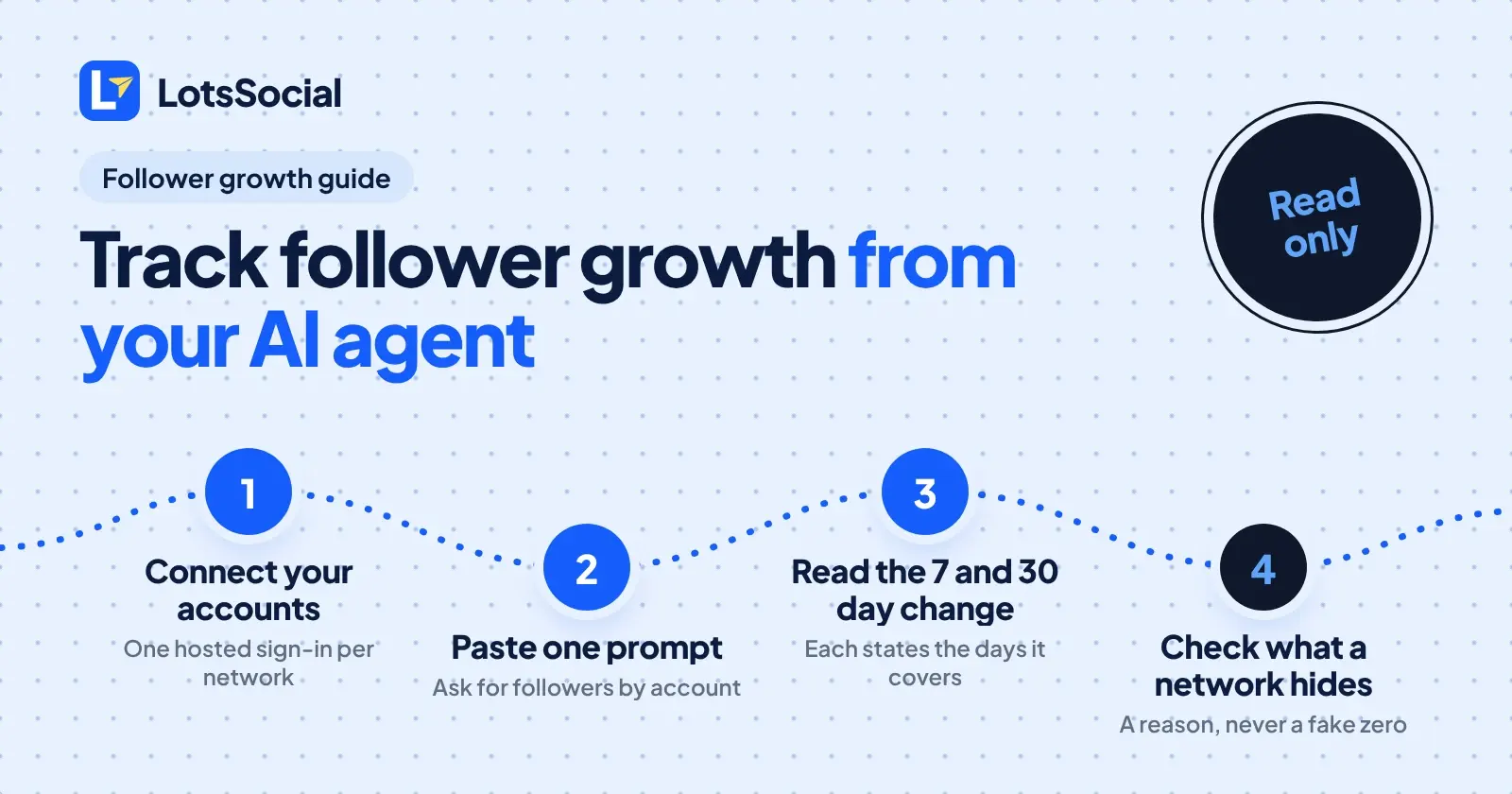
Connect your accounts to LotsSocial, paste one prompt into your AI agent, and it reads the latest follower count for every account plus the change over the last 7 and 30 days. Each change states the number of days it really covers, and a network that hides its count returns a reason instead of a fake zero.
I ran the read-only calls through the LotsSocial MCP today, so the steps and fields below are what the tools actually return. I am not publishing my own numbers, so the examples use placeholders.
What the full job looks like
LotsSocial is two ways into the same job. There is a dashboard that does everything, and there is your own AI agent (Claude, ChatGPT, Cursor or any MCP agent) that does the same through the MCP server. For agencies, clients approve posts by link without a login. Pricing is one price per connected account, and follower tracking is part of it, not an add-on. Plans and rates are at the end.
Step by step
-
Connect your accounts. Add the LotsSocial MCP to your agent and ask it to list your connected accounts. If nothing is connected, it hands you a hosted sign-in link and you connect each network in your own browser. You never paste passwords or API keys into chat. The full setup is in how to connect your social accounts to an AI agent.
-
Paste the prompt. Use this:
List my connected social accounts. Then pull the latest follower count for each one, with the 7 day and 30 day change. Group by brand, sort by 30 day change, and for any account that has no count, tell me the reason given. Do not create, schedule or edit any posts.
-
Read what comes back. The agent calls the account list first, then the audience data. See the fields below.
-
Read the change correctly. Look at
daysbefore you compare two accounts (explained below). -
Repeat weekly. Ask the same prompt on the same day each week and keep the answers in your notes.
What comes back
Follower data lives in an audience block, once per account, in the account details call and in the aggregate analytics call (which lists every account in scope in one go). The structure I saw, with placeholder values:
| Field | Meaning | Example shape |
|---|---|---|
followers | Latest daily follower count (subscribers on YouTube) | 123 |
captured_on | Date of that snapshot | 2026-11-03 |
followers_change_7d | Object: change, since, days, requested_days | { "change": 4, "since": "2026-10-27", "days": 7, "requested_days": 7 } |
followers_change_30d | Same object over 30 days | { "change": 9, "since": "2026-10-04", "days": 30, "requested_days": 30 } |
unavailable_reason | Why there is no count, otherwise null | null or a sentence |
The aggregate call also returns a total_followers that adds up only the accounts that have a count, with a note that the same person can follow several of your accounts.
Three things worth knowing from the real run:
dayscan be shorter thanrequested_days. When tracking for an account is new, the 30 day change covers fewer days, and the object says so. Never compare a 22 day change with a 30 day change as if they were equal.captured_ondiffers per account. Some accounts were snapshotted the same day, others a few days earlier. Report the date next to the number.- No data is not zero. Accounts where a network shares no count came back with
followers: nulland a writtenunavailable_reason. A real zero, like a brand new account, comes back as0with its change fields. The agent should keep those two cases apart in its answer.
The audience block ignores the date range you pass to the aggregate call. Date ranges apply to post engagement (likes, comments, views), not to follower counts.
Which networks share follower counts
The tool schema says counts come "where the network shares them". Here is what each network's own developer documentation exposes, and the limits that matter for tracking.
| Network | Follower field in the official docs | Limit to know |
|---|---|---|
followers_count on the professional account | Professional accounts only. Some insight metrics are not available under 100 followers, and user metrics are stored for up to 90 days. | |
| Facebook Page | followers_count on the Page | Page fields only. fan_count is the separate like count. |
| X | public_metrics.followers_count on the user | A user lookup returns the current number. |
| Threads | followers_count insight metric | Does not support since and until, so there is no history from the network. |
| YouTube | statistics.subscriberCount | Rounded down to three significant figures. hiddenSubscriberCount flags a channel that hides its count. |
| TikTok | follower_count in the user info response | Needs the user.info.stats scope. |
follower_count in the user account response | The user account response returns the current number. | |
| Bluesky | followersCount in the profile response | The profile response returns the current number. |
| Mastodon | followers_count on the account | The account entity returns the current number. |
| LinkedIn Page | Organization follower statistics, lifetime or time-bound | Needs rw_organization_admin and an administrator role. Time-bound counts are aggregated, not split by facet. |
| LinkedIn personal profile | Not shared with LotsSocial | LotsSocial returns the reason "LinkedIn does not share follower counts for personal profiles with LotsSocial." |
| Google Business Profile | LotsSocial returns "Google Business Profiles have no follower count." | Use reviews and post performance instead. |
Sources opened on 3 November 2026: Instagram and Instagram get started, Facebook Page, X user lookup, Threads insights, YouTube channels, TikTok user info, Pinterest user account, Bluesky profile (live response), Mastodon Account entity, LinkedIn follower statistics. Checked on 3 November 2026.
The pattern is the useful part. Almost every network gives you today's number, and the one that documents its history limits says it has none. That is why a follower history is built from daily snapshots, which is what the 7 and 30 day change in LotsSocial is made from. The change is only as long as the tracking has existed, which is why days matters. For the posting side of the same networks, see Instagram API publishing limits and requirements and LinkedIn API posting: profile vs page.
How to read follower change over a period
- Compare like with like. Use accounts with the same
days, or dividechangebydaysfor a per-day rate. - Use the 7 day number for reactions, the 30 day number for trends. A launch post shows in 7 days. A content habit shows in 30.
- Check
captured_on. A change measured to a snapshot from three days ago is not today's change. - Watch small bases. Going from 3 to 6 followers is a doubling and also noise. Ask the agent to show raw counts beside percentages.
- Pair growth with engagement. Ask the agent for the same prompt plus top posts for the period, then check which posts landed before the accounts that grew.
- Mind the YouTube rounding. Subscriber counts from YouTube's API are rounded, so small moves on a large channel can be invisible.
If you own the business
You do not need to be technical. Paste the prompt on Monday morning and read five lines: which accounts grew, which did not, and which networks do not share a count. If you prefer the dashboard, the same follower counts and changes are there.
If you run an agency
Each client's accounts sit under their own brand, so the prompt can be scoped to one brand at a time. Clients connect their own accounts through a link without a LotsSocial login, and they approve posts by link too: the agent asks for approval and reads the answer, but never approves for the client.
What it costs
Follower tracking comes with connected accounts. Starter is $20 a month for 12 accounts, Pro is $59 for 40, Business is $149 for 150, and with no plan each connected account is $2 a month. Posts, media storage, brands, workspaces and team members are unlimited. New accounts get free credits when they sign up, no card. Checked on 3 November 2026 at lots.social/pricing. More detail in LotsSocial pricing explained.
FAQ
Which social networks does the agent get follower counts for?
Instagram, Facebook Pages, X, Threads, YouTube (as subscribers), TikTok, Pinterest, Bluesky, Mastodon and LinkedIn Pages return counts where the network shares them. LinkedIn personal profiles and Google Business Profiles return a written reason instead.
Can my agent show follower growth over time, not just today's count?
Yes, as a 7 day and 30 day change per account. Each change states the days it actually covers, which is shorter while tracking for that account is new.
What does the agent return when a network has no follower count?
It returns no count and an unavailable_reason, never a zero. A true zero is returned as 0 with its change fields, so your agent can tell the two apart.
Why is my 30 day change shorter than 30 days?
Follower history is built from daily snapshots, and several networks do not provide past counts. A newly tracked account has fewer days, and the days value tells you how many.
Will the agent post anything when I ask for follower stats?
No. Reading follower and analytics data does not create, schedule or edit posts. Say so in the prompt as well, as in the example above.