 LotsSocial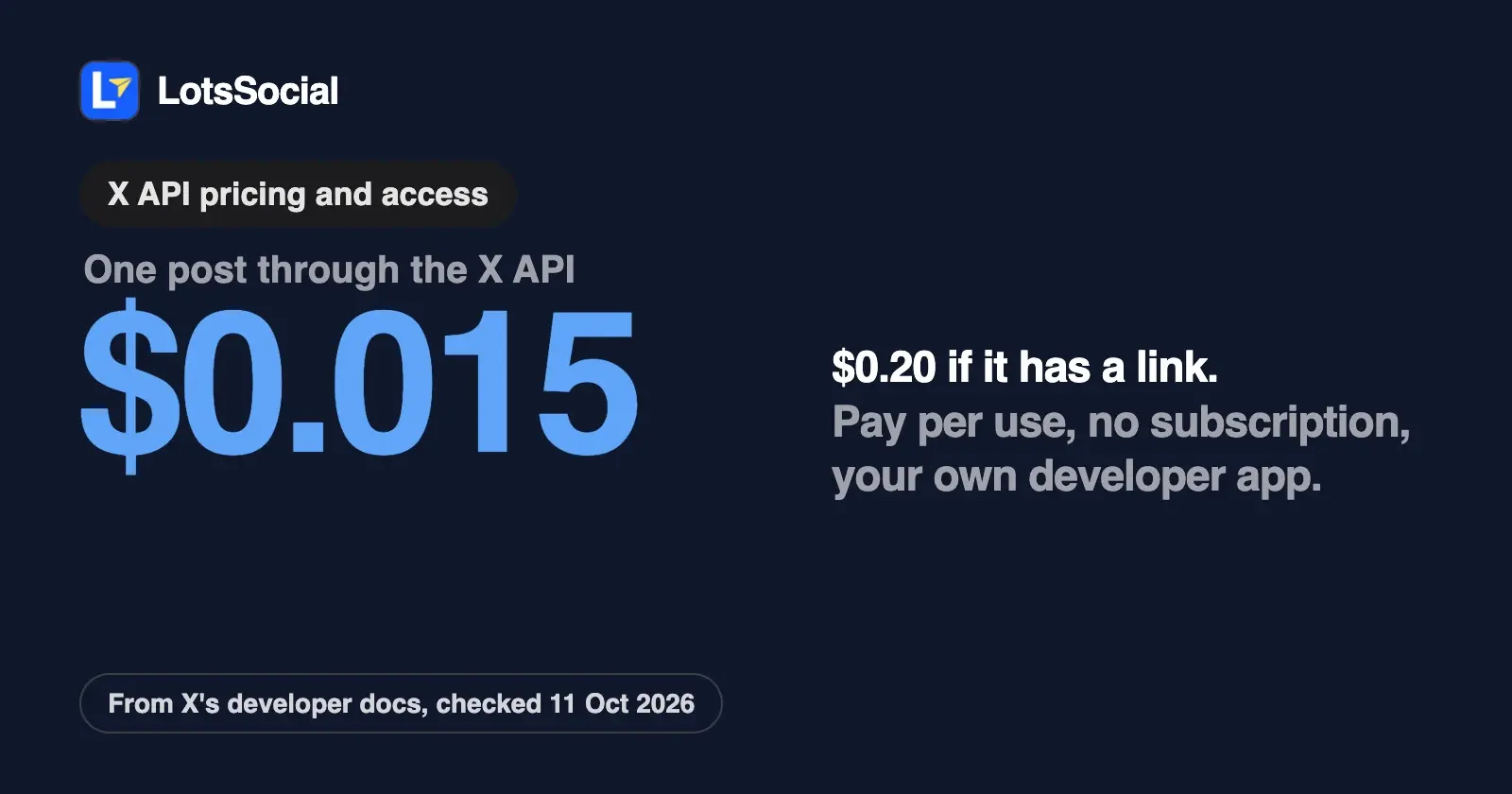
The X API is pay-per-use in 2026: you buy credits in X's Developer Console, and each post you create through POST /2/tweets costs $0.015, or $0.20 if the post contains a link. There's no monthly subscription and no free posting tier on X's current pricing pages, though new paying accounts can earn up to $70 in free credits. To post for yourself or anyone else, you also need your own developer app and an OAuth user token, and replies only go through when the other author mentioned or quoted you first.
If you want your AI agent to post to X, that leaves two routes: build your own X app and pay X per post, or use a scheduler or API that runs the X app for you. I read X's own developer pages on 11 October 2026 to put the numbers in one place, then worked out what each route costs and what you have to build. X changes this often, so check the links at the end before you rely on a number.
X API pricing at a glance
| What you do | What X charges | Source |
|---|---|---|
| Create a post | $0.015 per request | X pricing page and docs |
| Create a post containing a URL | $0.20 per request | X pricing page and docs |
| Reply to a post where you were mentioned ("summoned") | $0.010 per request | X pricing page and docs |
Set media metadata (POST /2/media/metadata) | $0.005 per request | X docs |
| Read posts | $0.005 per post returned | X pricing page and docs |
| Read your own data (your posts, mentions, followers) | $0.001 per resource | X docs, "Owned Reads" |
| Subscription or minimum spend | None | X docs |
The same post fetched twice in one UTC day is charged once, and failed requests aren't billed. X's docs say prices are subject to change and the Developer Console always shows the current rates.
How X's pay-per-use model works
X launched pay-per-use pricing on 6 February 2026 and set today's write prices on 20 April 2026, when POST /2/tweets moved to $0.015 per post and posts containing a URL to $0.20. X's own comparison on developer.x.com describes the old model as fixed monthly fees of $200 or $5,000.
- Credits, bought upfront. You buy credits at console.x.com and they're deducted as you call the API. If the balance hits zero, requests fail until you top up.
- Spending limits and auto-recharge. You can cap spend per billing cycle, and auto-recharge tops you up when the balance drops below a threshold you set, at most once every 5 minutes.
- Free credits for new paying accounts. X gives $20 when an account saves its first eligible credit or debit card, and matches the first successful auto-recharge up to $50. These credits expire 3 months after they're granted and are spent first. X's page says the incentives are still rolling out.
- xAI credits back. Spend $200 or more in a billing cycle and X returns 10% to 20% as xAI API credits.
- What happened to the old tiers. X's launch note says recently active Legacy Free users got a one-time $10 voucher, Public Utility Apps keep free access, and Basic and Pro remained available with existing subscribers able to opt in to pay-per-use. The current pricing pages describe only pay-per-use and Enterprise.
One conflict to know about: X's docs say pay-per-use plans are capped at 3 million post reads per monthly billing cycle, while developer.x.com says "no monthly caps". The cap is on reads, so it doesn't change what posting costs.
What posting really costs
Here's what X charges for posting alone, at the rates above. Most social posts carry a link, and that's where the bill moves.
| Workload | Posts a month | X API cost, no links | X API cost, every post with a link |
|---|---|---|---|
| 1 account, 2 posts a day | 60 | $0.90 | $12.00 |
| 1 account, 5 posts a day | 150 | $2.25 | $30.00 |
| 10 client accounts, 2 posts a day each | 600 | $9.00 | $120.00 |
Reading your post metrics back for a report adds read charges on top, and the build and upkeep of your own app is the larger cost.
X API posting limits and rate limits
X's rate limit page lists one set of limits per endpoint, counted per user (with a user token) and per app. These are the ones that matter for posting:
| Endpoint | Per user | Per app |
|---|---|---|
POST /2/tweets (create a post) | 100 per 15 minutes | 10,000 per 24 hours |
DELETE /2/tweets/:id | 50 per 15 minutes | Not listed |
POST /2/media/upload | 500 per 15 minutes | 50,000 per 24 hours |
POST /2/media/upload/initialize, append, finalize (chunked upload) | 1,875 per 15 minutes | 180,000 per 24 hours |
POST /2/media/metadata | 500 per 15 minutes | 50,000 per 24 hours |
Going over a limit returns a 429 until the window resets. Every response carries x-rate-limit-limit, x-rate-limit-remaining and x-rate-limit-reset headers, so an agent can slow down before it hits the wall.
What a post can contain
| Rule | What X's docs say |
|---|---|
| Text | Up to 280 characters, weighted: emoji and Chinese, Japanese and Korean characters count as 2 |
| Media per post | Up to 4 photos, 1 animated GIF or 1 video |
| Images | 5 MB; JPG, PNG, GIF or WEBP |
| Animated GIF | 15 MB |
| Video, standard account | Up to 20 minutes and 8 GB |
| Video, X Premium or verified account | Up to 125 minutes and 16 GB |
| Cashtags | 1 per post for self-serve customers |
| Paid promotion | paid_partnership: true labels the post |
Video and file size follow the posting account's Premium status, not your API plan, and they're checked again when you create the post. A video that uploads fine can still fail with a 403 if it's longer than that account may post.
What the self-serve API no longer lets you do
This is the part that catches people who want an agent to "manage" an X account:
- Replies need a summons. Since 23 February 2026, a programmatic reply through
POST /2/tweetsonly goes through if the original author mentioned your account or quoted one of your posts. X made the change to cut automated, low-quality replies, and it applies to self-serve tiers only. - No quote posts. The Create Posts reference says
quote_tweet_idneeds an Enterprise plan. - No likes or follows. Following, likes and quote posts were removed from all self-serve tiers in April 2026.
So on pay-per-use, an agent can create posts, attach media and delete its own posts. It can't work the timeline by liking, following or replying to strangers.
How to get access and post on behalf of a user
X's Getting Access page has three steps: sign in at console.x.com with your X account, accept the Developer Agreement and Policy, and describe how you'll use the API. Then you create an app with a name, description and use case. Credentials are shown once, so store them straight away. The Manage Posts page lists an approved developer account, a Project and App, and user access tokens as the prerequisites for posting.
Then you pick how your app acts as a user:
| OAuth 2.0 (Authorization Code with PKCE) | OAuth 1.0a user context | |
|---|---|---|
| X's recommendation | Recommended for acting on behalf of users | Supported |
| Scopes | Fine-grained: creating a post needs tweet.write, tweet.read and users.read; media upload needs media.write | Coarser: X says OAuth 2.0 gives greater control over scope |
| Posting as yourself | Run the flow once for your own account | Use the app's own Access Token and Secret |
| Posting for someone else | They approve your app at x.com/i/oauth2/authorize | Three-legged OAuth flow for each user |
| Token lifetime | Access token lasts 2 hours; add offline.access to get a refresh token | Not stated on X's overview pages |
| Gotchas | Exact-match redirect URI; the authorization code expires after 30 seconds | Every request is signed with the app's API key and secret |
Apps with OAuth 1.0a users can now swap those tokens for OAuth 2.0 tokens with no new consent screen, using X's token exchange grant, added on 21 September 2026.
If the account posts automatically, X's developer guidelines also ask you to turn on the "Automated" label, say in the bio that it's a bot and who runs it, link it to a human-managed account, and never post identical content across several accounts or send unsolicited @mentions.
Does X's own MCP server post for your agent?
X runs a hosted MCP server at https://api.x.com/mcp. Its docs say X's OAuth requires your own developer app, there's no dynamic client registration, and the server doesn't advertise native MCP OAuth discovery. So you don't point ChatGPT or Claude at a URL and sign in: you run X's open-source xurl bridge locally with your app's client ID and secret, or paste an app-only Bearer token for read-only use. Its capabilities table lists reading and searching posts, users, bookmarks, news, trends and drafting and publishing Articles. It's a good tool for developers who already have an X app. It doesn't remove the app, the billing or the rules above.
Option A: build your own X app and pay X directly
This is the right route if you're building a product on X, need an endpoint a scheduler doesn't expose, or post at a volume where you want X's bill with no one in between. The work list:
- Create the developer account and app, move it to pay-per-use and production, and buy credits or set auto-recharge.
- Enable OAuth 2.0, register the redirect URI, request
tweet.read tweet.write users.read media.write offline.access, and store and refresh tokens for every account. - Upload media with the chunked endpoints, then create the post with the
media_id. - Count characters the way X does, handle 403s on long video, back off on 429s, and watch the credit balance.
- Wrap all of that in tools your agent can call, and keep up as X changes prices and rules.
Option B: use a scheduler or API that runs the X app for you
Here the vendor holds the X app and you connect your account through its sign-in. What changes between vendors is who pays X and whether you still need your own app. Checked on 11 October 2026 on each vendor's own pages:
| Tool | Your own X app? | How X usage is billed |
|---|---|---|
| LotsSocial | No, LotsSocial runs it | No extra charge for X: priced per connected account, posts unlimited |
| Zernio | No | X API usage passed through at X's exact rates, zero markup |
| bundle.social | No | $0.015 per post, $0.20 with a link, plus X's charges for replies, deletes and reads, from a prepaid balance |
| Ayrshare | Yes: since 31 March 2026, your own OAuth 1.0a credentials, one X Developer App per Ayrshare account | Its plan price |
| Outstand | Yes: X has no Outstand app, so you register your own | Its per-post plans |
| Postiz (self-hosted) | Yes: you create an X app and set its keys on your instance | Not stated |
Posting to X from your AI agent with LotsSocial
LotsSocial runs the X app, so there's no developer account, app review, token storage or credit balance on your side. You add https://api.lots.social/mcp to ChatGPT, Claude, Claude Code, Cursor, Codex or any agent with remote MCP support and sign in with OAuth in your browser. Ask your agent to connect X and it gives you a secure link; you approve on X's own page. The same link covers all 12 networks.
Every X post is checked against the account it's going to before it's saved. LotsSocial reads each connected account's subscription type from X, so a free account gets 280 characters and a Premium account up to 25,000, and your agent sees each account's caption limit before it writes. Drafts never publish, and the dashboard has the composer, calendar, bulk scheduling and analytics when you'd rather do it by hand. Your agent for speed, the dashboard for control.
There's no extra charge for X and no per-post or per-link fee. You pay per connected account: $2 per account a month with no plan, or plans of 12 accounts for $20, 40 for $59 and 150 for $149 a month, with extra accounts at your plan's rate. Posts are unlimited. On the 10-client example above, with every post carrying a link, that's $20 a month for the Starter plan instead of $120 in X API fees, before you count the app you didn't build. New accounts get 5,000 free credits, valid 90 days, no card. The full breakdown is in LotsSocial pricing explained.
Give your agent this and let it set itself up:
Read https://lots.social/skill.md and help me connect LotsSocial for you.
If you're comparing APIs for your own code, I covered nine in the best social media APIs for developers, and if you're leaving Ayrshare over its X change, see Ayrshare alternatives. For another network's rules, here are Instagram's API publishing limits and requirements.
Common questions
Is the X API free?
Not for posting. X's current pricing is pay-per-use with no free posting tier: you buy credits and each post costs $0.015, or $0.20 with a link. New paying accounts can earn $20 for saving a first eligible card and a match of their first auto-recharge up to $50, and X says Public Utility Apps keep free access.
How much does it cost to post a tweet through the X API?
$0.015 per post created with POST /2/tweets, $0.20 if the post contains a URL, and $0.010 for a reply to a post where you were mentioned. Prices are per request, from X's pricing page and docs, checked on 11 October 2026.
Does X still have the Basic and Pro API tiers?
X's February 2026 launch note says Basic and Pro plans remained available and existing subscribers could opt in to pay-per-use. Its current pricing pages describe pay-per-use and Enterprise only, and developer.x.com lists the old fixed fees as $200 or $5,000 a month.
What is the X API rate limit for posting?
POST /2/tweets allows 100 requests per 15 minutes per user and 10,000 per 24 hours per app. Deleting a post allows 50 per 15 minutes per user.
Can my AI agent reply to posts through the X API?
Only when it was summoned. Since 23 February 2026, self-serve API replies go through only if the original author mentioned your account or quoted one of your posts. Quote posts need an Enterprise plan, and likes and follows were removed from self-serve tiers.
Do I need my own X developer app to post from an AI agent?
If you call the X API yourself, or use X's own MCP server, yes. If you use a service that runs the X app, no: LotsSocial, Zernio and bundle.social connect your X account through their own app. Ayrshare and Outstand ask for your own X app.
X details checked on 11 October 2026 from X's own developer pages: pricing, developer.x.com pricing, usage and billing, free credits, changelog, rate limits, getting access, OAuth 2.0, authentication, manage posts, create post, media, counting characters, developer guidelines and MCP. Other tools from their own pages: Zernio pricing, bundle.social pricing, Ayrshare API overview, Outstand and Postiz X setup. X changes its prices and rules; check its pages for the latest.