 LotsSocial
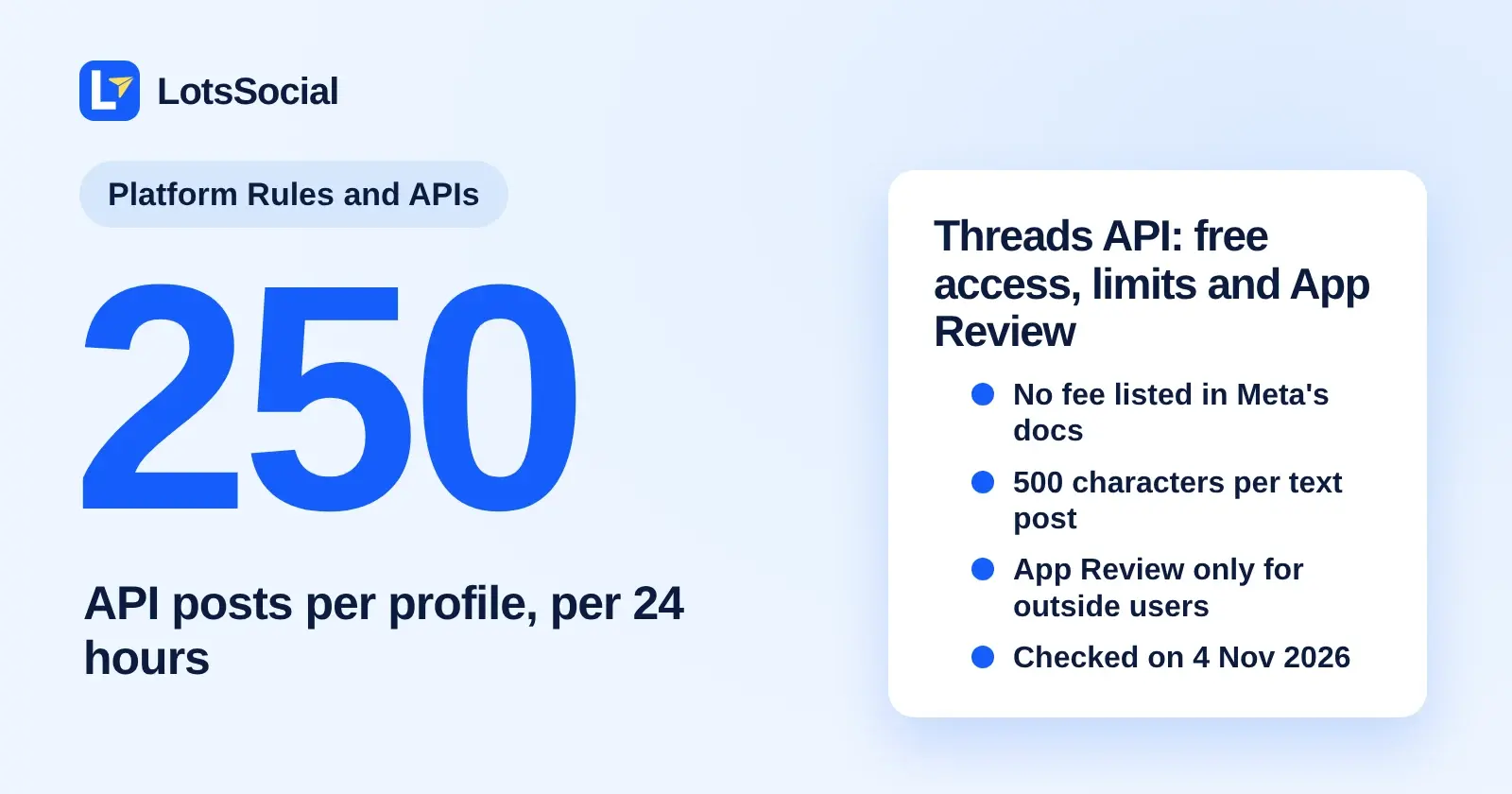
Yes, the Threads API is free to use. Meta's Threads documentation lists no price, per-call fee or paid tier. Posting to your own account needs a Meta app and no review. Posting for other people needs App Review, and each profile can publish 250 API posts per 24 hours.
I run LotsSocial, which posts to Threads as one of its 11 networks, so I went through Meta's Threads docs before writing this. Everything below comes from Meta's own pages, opened on 4 Nov 2026.
What you need to start
You need four things before your first call, per Meta's Get started guide:
- A Meta app with the Threads use case. You create it in the Meta app dashboard. It gives you a Threads app ID and a Threads app secret, which are separate from the main app ID and secret.
- A public server for media. Threads downloads your images and videos from a URL, so the file has to be publicly reachable when you publish.
- Permissions from the Threads user. Every call needs
threads_basic. Publishing needsthreads_content_publish. Replies needthreads_manage_repliesto write andthreads_read_repliesto read, and insights needthreads_manage_insights. - A user access token from the OAuth flow at
threads.com/oauth/authorize.
Meta also lists optional permissions you can add to the app: threads_delete, threads_keyword_search, threads_location_tagging, threads_manage_mentions and threads_profile_discovery.
Is the Threads API really free?
Nothing in Meta's Threads documentation mentions a fee, a pricing page or a paid tier. I searched every page I read for pricing terms and found none. The real costs are indirect: somewhere to host media, and the time App Review takes if you need it.
Meta's changelog also shows the API is no longer tied to Instagram. Since 23 Sep 2025, Threads profiles without a linked Instagram account can use all of it except the followers_count and follower_demographics metrics.
Do you need App Review?
It depends on who connects to your app. Meta's App Review page draws the line clearly.
| Your situation | App Review needed? |
|---|---|
| Only people with a role on your app (admin, developer, Threads tester) use it | No |
| You post to your own Threads account | No, add yourself as a Threads tester |
| Anyone without a role on the app connects their account | Yes, per permission |
| You only want webhooks | No, but the app must be published |
Three details trip people up:
- Without advanced access to
threads_content_publish, you can only post on behalf of Threads testers on your app. After the app is published and approved, any Threads user who grants the permission can be posted for. - Advanced access can require Business Verification. Meta's Business Verification page says apps requesting advanced access must be connected to a verified Business.
- Keyword search works differently before approval. Without
threads_keyword_searchapproved, a search only covers the authenticated user's own posts.
To invite a tester, use App roles in the dashboard. The Threads user accepts under Website permissions in their account settings.
Threads API posting limits
These are the numbers from Meta's overview page and posts guide. Checked on 4 Nov 2026.
| Limit | Value |
|---|---|
| API-published posts per profile | 250 per moving 24 hours (a carousel counts as 1) |
| Replies per profile | 1,000 per moving 24 hours |
| Deletions per profile | 100 per moving 24 hours |
| Location searches per profile | 500 per moving 24 hours |
| Keyword search queries per user | 2,200 per rolling 24 hours |
| Text post length | 500 characters (emojis count as UTF-8 bytes) |
| Carousel size | 2 to 20 images or videos |
| Links per post | 5 unique links (more fails with THREADS_API__LINK_LIMIT_EXCEEDED) |
| Alt text | 1,000 characters |
Meta also counts API calls per app and user pair over a rolling 24 hours: 4,800 multiplied by the number of impressions your Threads content got, with a minimum of 10 impressions counted. That means at least 48,000 calls a day. You can read your live usage from the threads_publishing_limit endpoint, and Meta tells apps that schedule posts to enforce the publishing limit themselves.
Media specifications
| Media | Requirement |
|---|---|
| Images | JPEG or PNG, 8 MB maximum, aspect ratio up to 10:1, width 320 to 1440 pixels, sRGB |
| Video | MOV or MP4, H264 or HEVC, AAC audio, 23 to 60 FPS, 1 GB maximum, 5 minutes maximum, 1920 pixels wide at most |
How publishing works
A post is two calls. First POST /{threads-user-id}/threads creates a media container with your text, image or video. Then POST /{threads-user-id}/threads_publish publishes it. Meta recommends waiting about 30 seconds between the two so the upload can finish processing. Carousels add a middle step: one container per item, then a carousel container, then publish.
Useful options on the container call include reply_control, topic_tag, link_attachment, alt_text, poll_attachment, is_made_with_ai and enable_reply_approvals.
Token lifetimes
| Item | Lifetime |
|---|---|
| Authorization code | 1 hour, single use |
| Short-lived access token | 1 hour |
| Long-lived access token | 60 days, refreshable once 24 hours old |
| Permission grant (public profile) | 90 days, extended when you refresh the token |
If a user has a private profile, the token can still be refreshed, but the permission grant cannot be extended and the user has to grant the permission again. The token exchange needs your app secret, so do it only on your server.
Use a scheduler instead of building your own app
If you only want posts on Threads, building an app, hosting media, passing review and refreshing tokens is a lot of work. Some tools do it for you. These are the closest ones I track, from their own pages, checked on 4 Nov 2026.
| Tool | What its page says about Threads |
|---|---|
| Ayrshare | Documents a Threads endpoint with image and video carousels, geo restrictions, mentions and multi-post threads |
| Post Bridge | Lists Threads among its networks for scheduled and instant posting |
| Zernio | Says it handles OAuth, rate limits, media hosting and API changes for Threads |
I compared these tools in more depth in Ayrshare alternatives and Zernio alternatives, and I list the developer-focused options in the best social media APIs for developers.
Posting to Threads with LotsSocial
I built LotsSocial so you can run your social accounts from the AI agent you already use, and the dashboard does the whole job too. For Threads that means you skip the Meta app entirely:
- You connect your Threads account with a secure link and approve on Threads' own page. The link lasts an hour and can connect several accounts. The connection guide walks through it.
- The Threads account in LotsSocial carries a 500-character caption limit, and LotsSocial checks every post against it before saving.
- Your agent or the dashboard creates drafts, scheduled posts and, once you confirm the text and accounts, immediate posts.
- Posts, media storage, brands, workspaces and team members are unlimited.
Plans: Starter is $20 a month for 12 accounts, Pro is $59 for 40 accounts and Business is $149 for 150 accounts. Every plan includes all 11 networks, the MCP server and the REST API. Without a plan it is $2 per connected account per month. See LotsSocial pricing explained or the live pricing page. Plan prices checked on 4 Nov 2026.
Other platform rules
Each network has its own gate. If you also post elsewhere, I wrote the same kind of breakdown for X API pricing and access, Instagram API publishing limits, the TikTok Content Posting API audit and LinkedIn API access for profiles and Pages. All of them live under Platform Rules and APIs.
FAQ
Is the Threads API free?
Yes, as far as Meta documents it. The Threads API pages list no price, per-call fee or paid tier, and you create the app in the standard Meta developer dashboard. The costs you can hit are your own hosting for media URLs and the time App Review takes. Checked on 4 Nov 2026.
Do I need App Review to post to my own Threads account?
No. If everyone who uses your app has a role on it, such as admin, developer or Threads tester, App Review is not required. You need App Review once people without a role on your app need to connect their Threads accounts.
How many posts can I publish to Threads through the API?
Meta limits each Threads profile to 250 API-published posts in a moving 24-hour period. A carousel counts as one post. Replies have a separate limit of 1,000 per 24 hours, and deletions are limited to 100 per 24 hours.
How long can a Threads API post be?
Text posts are limited to 500 characters, and emojis are counted as UTF-8 bytes, so they use more than one character each. Carousels take 2 to 20 images or videos, and a post can contain at most 5 unique links.
Do Threads access tokens expire?
Yes. A short-lived token lasts 1 hour. You can exchange it for a long-lived token that lasts 60 days, and you can refresh that token once it is at least 24 hours old and before it expires. Permission grants from public profiles last 90 days and extend when you refresh the token.
Can I skip the Threads API and use a scheduler?
Yes. A scheduler that connects Threads for you means you never create a Meta app or go through App Review. With LotsSocial you connect your Threads account through a secure link, approve on Threads' own page, and your AI agent or the dashboard schedules the posts.
Sources, all checked on 4 Nov 2026: Meta's Threads API overview, Get started, create an app, long-lived tokens, posts, keyword search and changelog.