 LotsSocial
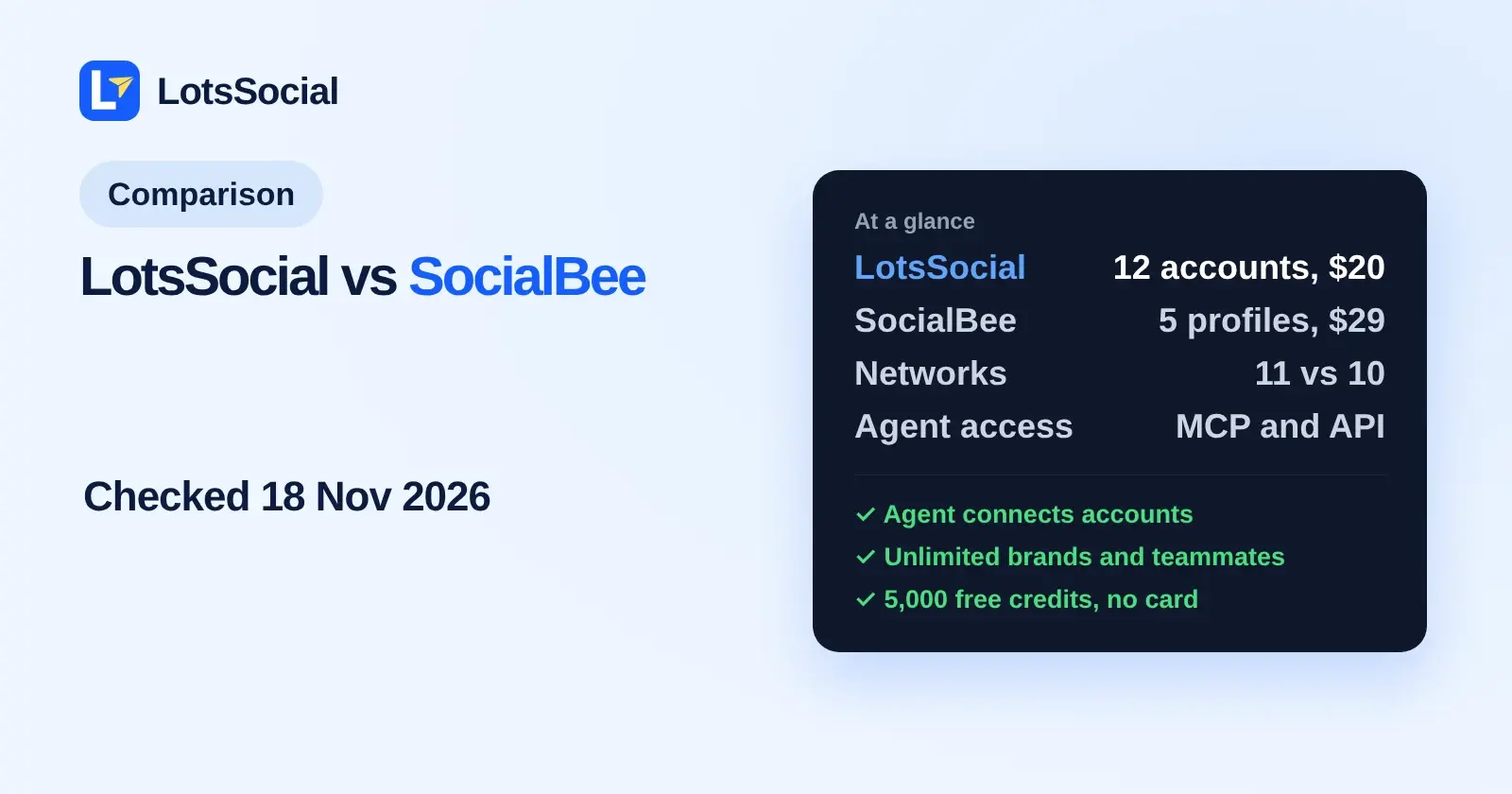
If you want to run your social media from ChatGPT, Claude, Claude Code or Codex instead of from inside a scheduling app, LotsSocial is the SocialBee alternative I built for that. It has a hosted MCP server and a REST API on every plan, covers 11 networks, and prices per connected account: Starter is $20 a month for 12 accounts, where SocialBee's Accelerate plan is $49 for 10 profiles.
I run LotsSocial, so I lead with it and say why. Everything about SocialBee below comes from SocialBee's own pages, opened on 18 November 2026, with links at the end. SocialBee is a mature dashboard product with strengths of its own, and I list them too.
LotsSocial vs SocialBee at a glance
| LotsSocial | SocialBee | |
|---|---|---|
| Built for | Working from your AI agent; the dashboard does the whole job too | Working inside its dashboard, with a built-in AI assistant called Copilot |
| Agent access | Hosted MCP server and REST API on every plan | I found no MCP server or developer API described on its pages; it lists Zapier and Make integrations |
| What a plan counts | Connected accounts: plans cover 12, 40 or 150, or $2 per account a month with no plan | Social profiles: plans cover 5, 10, 25, 50, 100 or 150 |
| Entry plan, monthly billing | Starter: $20 for 12 accounts | Bootstrap: $29 for 5 profiles ($24.20 a month billed annually) |
| Workspaces and team | Brands, workspaces and team members are unlimited | Bootstrap and Accelerate: 1 workspace and 1 user. Pro: 5 workspaces and 3 users per workspace |
| Networks | 11: LinkedIn, Instagram, X, Google Business, Facebook, YouTube, Threads, TikTok, Pinterest, Bluesky, Mastodon | 10: the same list without Mastodon |
| Client sign-off on posts | Approval link, no login for the client | Clients join a workspace with limited access to review and approve |
| Comments and messages | No inbox; the comment tools are team notes on a post | Social inbox on every plan |
| Free start | 5,000 free credits, no card | 14-day free trial of the Pro plan, no card |
Prices are list prices on monthly billing, checked on 18 November 2026. SocialBee's homepage lists 16% off for annual billing, and LotsSocial's yearly price is 10 times the monthly one.
What one business pays
Here are four setups. SocialBee counts profiles and LotsSocial counts connected accounts, so one profile is one account.
| What you run | LotsSocial | SocialBee |
|---|---|---|
| 5 accounts | $10 (pay as you go, $2 each) | $29 (Bootstrap) |
| 12 accounts | $20 (Starter) | $99 (Pro, 25 profiles) |
| 25 accounts | $59 (Pro, up to 40) | $99 (Pro) |
| 150 accounts | $149 (Business) | $449 (Pro150) |
On the LotsSocial side the price follows the number of connected accounts: posts, media storage, brands, workspaces and team members are unlimited, with no per-seat charge. On the SocialBee side the plan also sets how many workspaces and users you get, so an agency with many clients reads the workspace column as well as the profile column. The full LotsSocial table from 1 to 200 accounts is in LotsSocial Pricing Explained.
Where LotsSocial fits better
I built LotsSocial around the idea that the agent you already pay for does the work. Four things matter if you are coming from SocialBee.
- Your agent is the interface. Add the MCP server to ChatGPT, Claude, Claude Code, Codex or Cursor, sign in, and ask for what you want. Everything the agent does is also in the dashboard on the same accounts, posts and media. The skill file at lots.social/skill.md tells an agent how to guide the setup.
- Your agent connects the accounts. Ask it to connect LinkedIn and
get_connect_linkreturns a link. You approve on the network's own page, and the agent confirms the account withlist_connected_accounts. See How to Connect Your Social Accounts to Your AI Agent. - A check before anything is saved, and batches.
validate_social_postchecks caption and title limits, required media, file format and size, and video length for every account without saving the post.bulk_create_social_postssaves up to 50 drafts or scheduled posts in one request. Drafts never publish, and publishing right away happens when you ask and the agent has confirmed the text and accounts with you. - Clients and teammates are not a plan limit. Brands, workspaces and team members are unlimited, with roles from viewer to admin. A client can connect their own accounts through a link that needs no LotsSocial login, and can approve posts the same way. Your agent can ask for approval but never approves for the client. See Social Media Management for Agencies.
LotsSocial also covers Mastodon, which SocialBee's network list does not, and it reads results back: post analytics and follower counts for the accounts you connect.
What SocialBee does well
SocialBee is a full dashboard product, and these are its strengths from its own pages.
- Content categories and weekly schedules. You organise posts into content categories and set a recurring weekly posting schedule for them. Its llms.txt lists post recycling and evergreen scheduling.
- Copilot. A built-in AI assistant that plans a strategy, organises categories, builds a posting schedule and generates posts adapted to each network.
- A social inbox for comments, mentions and messages, on every plan.
- Reporting and approvals. Analytics history runs to 3 months on Bootstrap and 2 years on Accelerate. Branded PDF report exports and internal notes come with Pro. Post approvals start on Accelerate.
- Canva, Unsplash and Giphy integrations, plus a universal posting workflow for networks it does not support natively.
If you do not use an AI agent, or you want the inbox and the category recycling in one dashboard, SocialBee is a sound choice. LotsSocial does not read or reply to comments on the networks.
How to choose
Choose LotsSocial if you work in ChatGPT, Claude, Claude Code or Codex and want your agent to connect accounts, validate posts and schedule them, with unlimited brands, workspaces and teammates and a price that follows your account count.
Choose SocialBee if you work inside one dashboard and want Copilot, a social inbox and category-based recycling more than agent access.
Moving from SocialBee with your agent
You can keep SocialBee connected while you move. Give your agent this:
Read https://lots.social/skill.md and help me connect LotsSocial for you.
Then copy your upcoming captions into a spreadsheet and either upload the file in the LotsSocial dashboard (CSV or Excel) or paste them to your agent, which saves up to 50 posts per request. Ask it to run validate_social_post first so any caption or media problem shows before a post is scheduled.
For the wider field, see The Best Social Media Schedulers With MCP Support, Metricool Alternatives for People Who Use an AI Agent and Cheapest Social Media Scheduler. I compare other tools directly in LotsSocial vs Buffer and LotsSocial vs Planable. For how sign-in and permissions work, read Is LotsSocial Safe?.
FAQ
What is a good SocialBee alternative if I use an AI agent?
LotsSocial is the one I built for that. It has a hosted MCP server and REST API on every plan, lets your agent connect accounts and check a post against each network's rules before it is saved, and covers 11 networks. SocialBee stays the pick if you want its built-in Copilot and social inbox in one dashboard.
Does SocialBee have an MCP server or API?
I found no MCP server or developer API described on SocialBee's homepage, integrations page, llms.txt, sitemap or changelog, checked on 18 November 2026. Its integrations page lists Zapier and Make for automation. LotsSocial's MCP server and REST API are on every plan.
How much does SocialBee cost compared with LotsSocial?
SocialBee lists Bootstrap at $29 a month for 5 profiles, Accelerate at $49 for 10 and Pro at $99 for 25, with larger plans up to $449 for 150 profiles. LotsSocial's Starter is $20 for 12 accounts, Pro $59 for 40 and Business $149 for 150, or $2 per account a month with no plan. All list prices on monthly billing, checked on 18 November 2026.
Does LotsSocial have a free trial like SocialBee?
SocialBee offers a 14-day free trial of its Pro plan with no card. LotsSocial gives new accounts 5,000 free credits with no card, enough to connect a couple of accounts and try it from your agent.
Which networks does each tool support?
LotsSocial supports 11: LinkedIn, Instagram, X, Google Business, Facebook, YouTube, Threads, TikTok, Pinterest, Bluesky and Mastodon. SocialBee lists 10: Facebook, Instagram, X, LinkedIn, Pinterest, TikTok, YouTube, Threads, Bluesky and Google Business Profile. Checked on 18 November 2026.
Sources, checked on 18 November 2026
SocialBee: homepage with plans and FAQ, llms.txt, integrations, collaboration features, changelog and sitemap. LotsSocial: pricing, lots.social/llms.txt and tools.json. Vendors change their pages; check them for the latest.