 LotsSocial
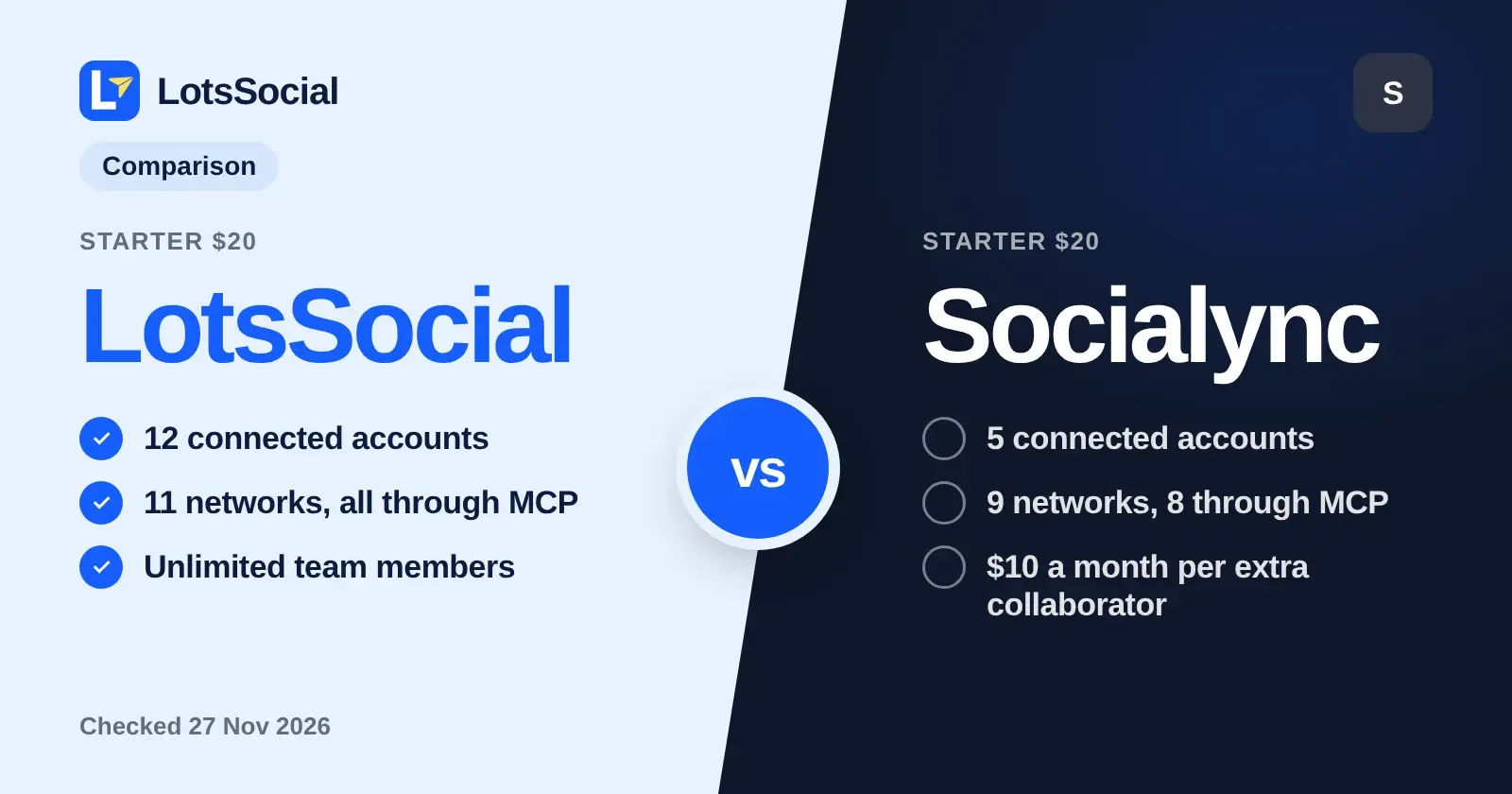
LotsSocial and Socialync both let ChatGPT, Claude or another AI agent post to your social accounts over MCP, so the difference is in what each one counts and covers. LotsSocial's Starter plan is $20 a month for 12 connected accounts on 11 networks, with unlimited posts and team members, while Socialync's Starter is $20 a month for 5 accounts on 9 networks, with posts from an AI capped at 10 a day per brand. Socialync answers with a free plan, built-in AI captions, a comment inbox and phone apps.
I'm Sivaguru, and I built LotsSocial, so I lead with where it fits and say why. Everything about Socialync below comes from Socialync's own pages, checked on 27 November 2026, with links at the end. Socialync is a real, well-made scheduler with strengths of its own, and I list them too.
LotsSocial vs Socialync at a glance
| LotsSocial | Socialync | |
|---|---|---|
| Built for | Running social media from the AI agent you already use, with a full dashboard for hands-on control | Creators cross-posting video, from its dashboard, phone apps or an AI agent |
| Entry plan, monthly | Starter: $20 for 12 connected accounts | Starter: $20 for 5 connected accounts |
| Larger plans | Pro $59 for 40 accounts, Business $149 for 150 | Creator $30 for 10 accounts, Agency $99 for 100 |
| Without a plan | $2 per account a month, from credits | Free plan: 3 posts a calendar month, up to 5 accounts, X not included |
| Networks | 11: LinkedIn, Instagram, X, Google Business, Facebook, YouTube, Threads, TikTok, Pinterest, Bluesky, Mastodon | 9: Instagram, TikTok, YouTube, Facebook, X, LinkedIn, Threads, Bluesky, Pinterest |
| Networks through MCP | All 11 | 8 (Pinterest is not available through MCP; 7 on the free plan, without X) |
| Posts | Unlimited, from the dashboard or the agent | Unlimited on paid plans; posts created by AI: 10 a day per brand |
| X accounts | Counted like any other account | 1 X account included; each extra X account is $10 a month |
| Team | Unlimited team members, no per-seat charge | First seat free, then $10 a month per collaborator (editor or viewer) |
| Client links with no login | Connect accounts, approve posts, send photos and videos | Not described on the pages I checked |
| Built-in AI writing | None: your own agent writes | AI caption assistant and captions from your video's transcript |
Prices are list prices on monthly billing, checked on 27 November 2026. LotsSocial's yearly price is 10 times the monthly one.
What you pay at different sizes
Socialync's paid plans grow by account count: $20 covers 5 accounts, accounts 6 to 25 are $2 a month each and accounts from 26 up are $0.52 each, which is how its $30 Creator and $99 Agency plans add up. LotsSocial sells blocks of 12, 40 or 150 accounts, or $2 per account with no plan. This table assumes one person and no extra X accounts on Socialync.
| Connected accounts | LotsSocial | Socialync |
|---|---|---|
| 5 | $10 (no plan, $2 each) | $20 (Starter) |
| 12 | $20 (Starter) | $34 ($20 for 5, plus 7 at $2) |
| 40 | $59 (Pro) | $67.80 ($20, plus 20 at $2 and 15 at $0.52) |
| 100 | $149 (Business, up to 150) | $99 (Agency) |
| 150 | $149 (Business) | $125 (Agency, plus 50 at $0.52) |
Up to 40 accounts LotsSocial costs less. Past 40, Socialync's $0.52 accounts make it cheaper for one person, and at 100 to 150 accounts its list price is lower.
Two things change the sum for a team. Socialync charges $10 a month for each collaborator after the first seat, and LotsSocial charges nothing for team members. A team of five running 40 accounts pays $59 on LotsSocial Pro, or $67.80 plus 4 collaborators at $10, so $107.80, on Socialync. And on Socialync every X account after the first adds $10 a month, where LotsSocial counts an X account like any other. The full LotsSocial table from 1 to 200 accounts is in LotsSocial Pricing Explained.
Where LotsSocial fits better
I built LotsSocial for one kind of person: someone who already works in ChatGPT, Claude, Claude Code, Codex or Cursor and wants that agent to run their social accounts. The agent is for speed and the dashboard is for control, and both work on the same accounts, posts and media. Five things matter if you are weighing it against Socialync.
- All 11 networks through your agent. The MCP server publishes to every network LotsSocial supports, including Pinterest (with a board and title), Google Business and Mastodon. Socialync's MCP page lists 8 networks and leaves Pinterest to its app.
- No daily cap on agent posts. Posts are unlimited whether you or your agent creates them, and
bulk_create_social_postssaves up to 50 drafts or scheduled posts in one request. Socialync's pricing page lists posts created by AI at 10 a day per brand. - A check before anything is saved.
validate_social_postchecks every caption and title limit, required media, file format and size, aspect ratio and video length for each account, without saving the post. Drafts never publish, and the agent publishes right away only after you confirm the text and accounts. - Your agent connects the accounts. Ask it to connect LinkedIn and it returns a link from
get_connect_link; you approve on LinkedIn's own page, and the agent confirms it withlist_connected_accounts. The walkthrough is in How to Connect Your Social Accounts to Your AI Agent. - Clients and teammates are not a cost line. Brands, workspaces, team members and posts are unlimited. An agency's client can connect their own accounts, approve or reject posts, and send photos and videos in full quality, each through a link with no LotsSocial login. Your agent can ask for approval but never approves for the client. More in Social Media Management for Agencies.
LotsSocial also reads results back: post analytics, best-performing posts and follower counts for the accounts you connect, from the dashboard or by asking your agent.
What Socialync does well
Socialync is a full scheduler built around video, and these are its strengths from its own pages.
- A free plan with MCP. $0 with no card: 3 posts each calendar month across 8 platforms (X is on paid plans), up to 5 connected accounts and MCP and API access. Paid monthly plans also offer a 7-day trial.
- AI writing built in. An AI caption assistant, captions written from your video's transcript and per-platform rewrites, on every paid plan.
- A comment inbox on 6 platforms (Instagram, X, YouTube, LinkedIn, Threads and Bluesky), plus an automatic first comment on 6 platforms.
- iPhone and Android apps, best time to post learned from your own engagement, bulk scheduling of up to 30 photos and videos at once, and video transcoded for each platform.
- A polished MCP setup. It is listed in Claude's connector directory and the Official MCP Registry, signs in with OAuth or an API key, and can read analytics, comments and best times, reply to comments after your yes, and draft X Articles.
If you mostly post short video from your phone and want captions, an inbox and a free plan in one app, Socialync is a sound choice.
How to choose
Choose LotsSocial if you work in an AI agent and want it to reach all 11 networks, including Pinterest, Google Business and Mastodon, with no daily cap on agent posts, unlimited teammates and client links, and a price that costs less than Socialync's up to 40 accounts.
Choose Socialync if you want a free plan, built-in AI captions, a comment inbox and phone apps, or you run 100 or more accounts on your own and want its lower list price at that size.
Trying LotsSocial from your agent
New accounts get free starter credits with no card, enough to connect a couple of accounts and try it from your agent. Give your agent this:
Read https://lots.social/skill.md and help me connect LotsSocial for you.
Then ask it to connect an account, validate a post and save it as a draft. You can keep Socialync running while you compare. For sign-in and permissions, read Is LotsSocial Safe?.
For the wider field, see The Best Social Media Schedulers With MCP Support, Social Media MCP Servers Compared and Cheapest Social Media Scheduler. I compare another tool directly in LotsSocial vs Buffer.
FAQ
What is the main difference between LotsSocial and Socialync?
LotsSocial is built for running social media from the AI agent you already use: its MCP server reaches all 11 networks it supports, posts and team members are unlimited, and Starter covers 12 accounts for $20 a month. Socialync is a video-first cross-posting app with a free plan, built-in AI captions, a comment inbox and phone apps; its Starter covers 5 accounts for $20.
Does Socialync have an MCP server?
Yes. Socialync runs an MCP server at mcp.socialync.io on every plan, including the free one, and it is listed in Claude's connector directory. Its pages say it posts to 8 platforms through MCP (every one except Pinterest), 7 on the free plan where X needs a paid plan, with posts created by AI limited to 10 a day per brand. Checked on 27 November 2026.
Which is cheaper, LotsSocial or Socialync?
It depends on how many accounts you run. LotsSocial costs less up to 40 accounts: 12 accounts are $20 against Socialync's $34, and 40 are $59 against $67.80. At 100 accounts Socialync's Agency plan is $99 against LotsSocial Business at $149. Socialync adds $10 a month per extra collaborator and per extra X account; LotsSocial charges for neither.
Does LotsSocial have a free plan like Socialync?
LotsSocial starts differently: new accounts get free starter credits with no card, and after that you pay $2 per connected account a month or take a plan from $20. Socialync's free plan gives 3 posts a calendar month on up to 5 accounts, without X.
Which networks does each tool support?
LotsSocial supports 11: LinkedIn, Instagram, X, Google Business, Facebook, YouTube, Threads, TikTok, Pinterest, Bluesky and Mastodon. Socialync supports 9: Instagram, TikTok, YouTube, Facebook, X, LinkedIn, Threads, Bluesky and Pinterest. Checked on 27 November 2026.
Sources, checked on 27 November 2026
Socialync: homepage, pricing, MCP server, features and llms.txt. LotsSocial: pricing, llms.txt, API and MCP and help. Vendors change their pages; check them for the latest.